
Download ShortKeys Lite – keyboard shortcuts, automation tool, text expansion, productivity app, free typing tool
Overview
ShortKeys Lite is a free productivity app designed to streamline repetitive typing tasks across various text-based applications. By enabling users to assign custom phrases, sentences, or even full paragraphs to specific keyboard shortcuts, the app significantly reduces the time and effort required for routine writing. It addresses common pain points such as typographical errors, inefficient form-filling, and the monotony of repeated input, making it particularly useful for professionals, students, and content creators who frequently engage in repetitive text entry.
The app operates as a lightweight automation tool, integrating seamlessly with popular platforms like Google Docs, Microsoft Word, and Excel, allowing users to maintain consistent workflows without switching contexts. Developed by ShortKeys, the app reflects a focused approach to enhancing digital efficiency on mobile devices. Although the developer did not provide additional technical details about their background, the app’s purpose is clear: to offer a no-cost solution for improving typing speed and accuracy.
Real-world use cases include drafting emails, completing application forms, generating standardized responses, and writing documentation. In the broader app ecosystem, ShortKeys Lite fills a niche for accessible, lightweight automation tools, especially for users seeking immediate productivity gains without complex setup or subscription fees.
Key Features & Functionality
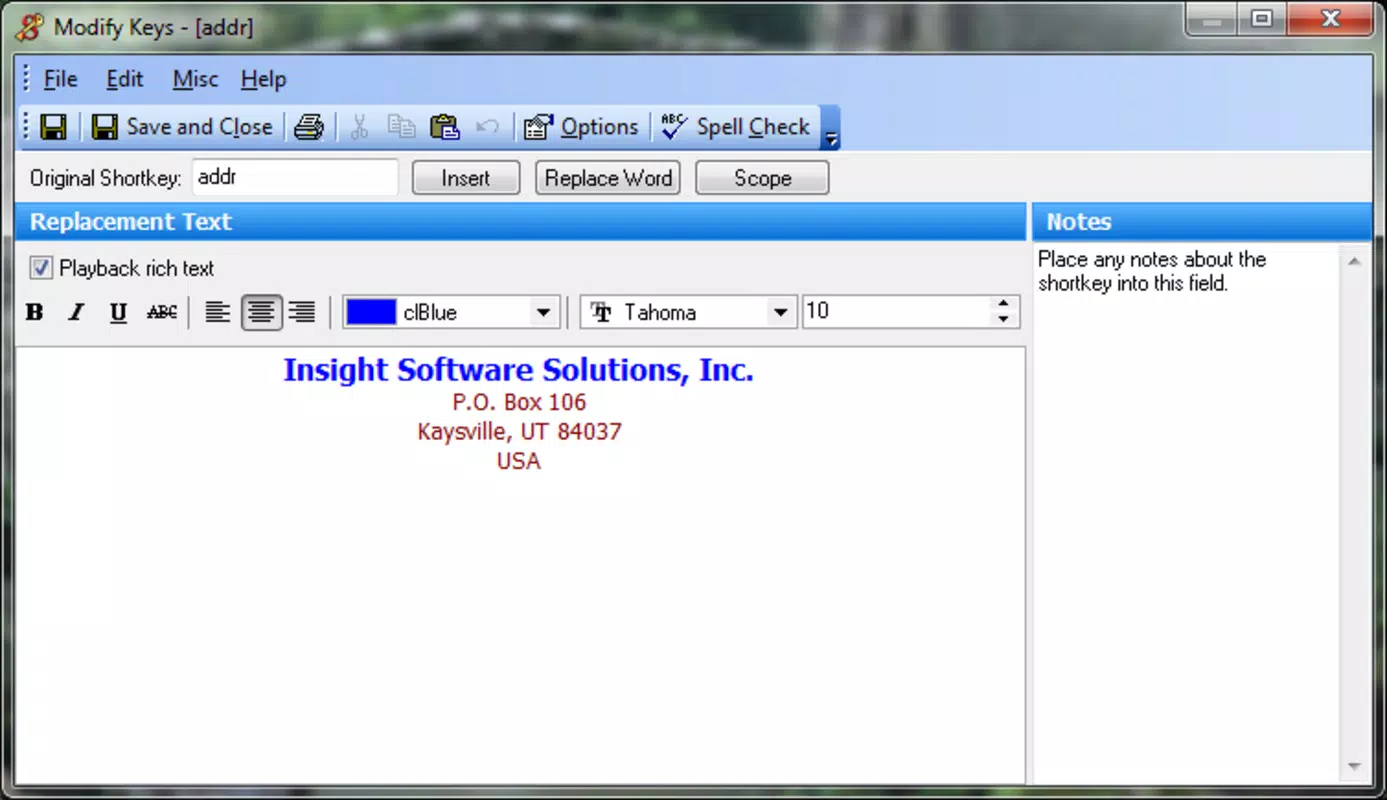
- Custom Phrase Assignment – Users can assign any text string—ranging from a single sentence to a full paragraph—to a unique keyboard shortcut. This allows for instant insertion of frequently used content, reducing keystrokes and minimizing fatigue during long writing sessions.
- Typo Reduction – By minimizing manual typing, the app inherently reduces the risk of spelling and grammatical errors, ensuring consistent and professional output across documents and messages.
- Universal App Compatibility – ShortKeys Lite functions across multiple text-editing environments, including Google Docs, Microsoft Word, and spreadsheet applications, enabling consistent automation regardless of the platform being used.
- Intuitive Interface – The app features a clean, user-friendly layout that requires no technical expertise to operate. Even users unfamiliar with automation tools can set up and manage shortcuts with minimal effort.
- Free Access – The Lite version is available at no cost, offering full functionality without ads or in-app purchases, making it accessible to a broad audience seeking immediate productivity improvements.
For example, a student can set “Dear Professor Smith,” to appear with a single keystroke when starting an email. A customer service agent can instantly insert standard responses like “Thank you for contacting us. We’ll respond within 24 hours.” These real-world applications demonstrate how the app enhances efficiency and reduces cognitive load during repetitive tasks.
Interface, UX & Performance
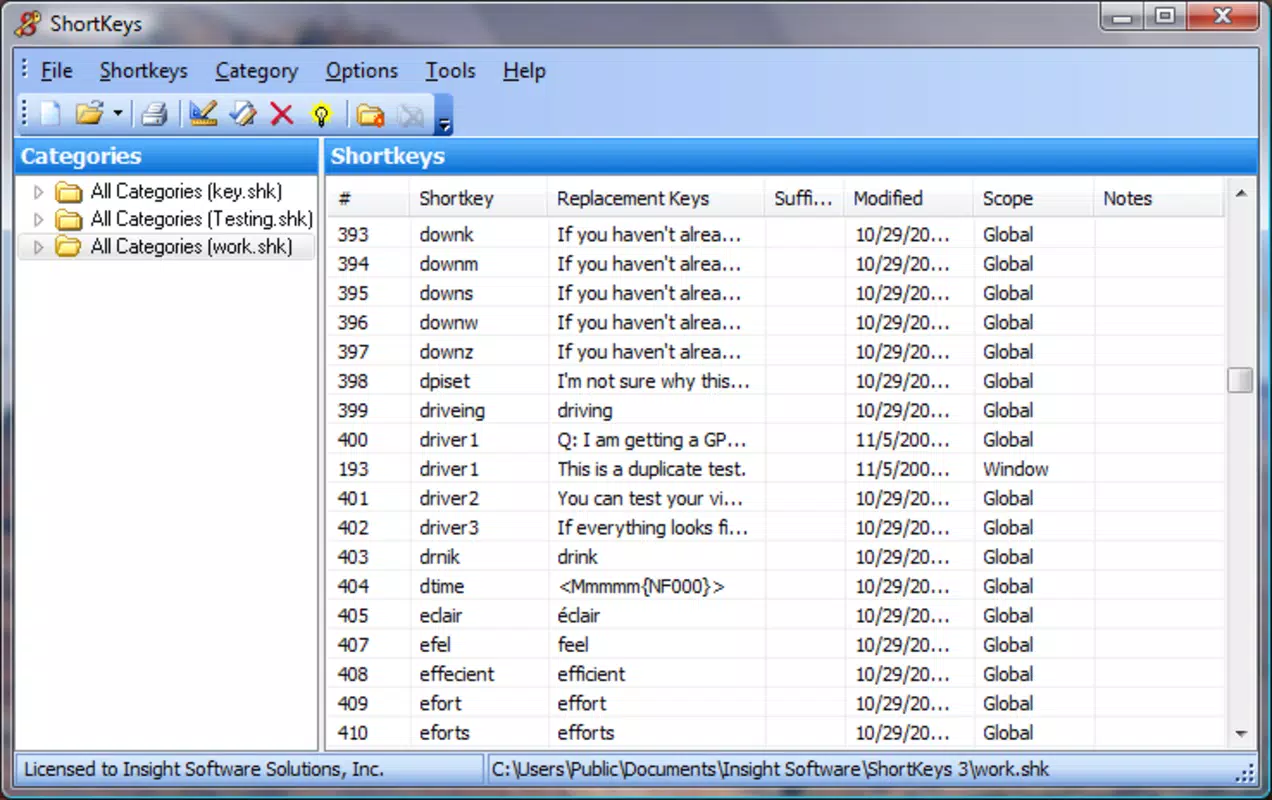
ShortKeys Lite features a minimalist interface that prioritizes functionality and ease of access. The main screen presents a straightforward list of assigned shortcuts, with options to add, edit, or delete entries. Navigation is linear and consistent, allowing users to manage their text library without confusion.
The visual design is clean and uncluttered, relying on simple icons and clear labeling to guide users through setup and usage. Although the developer did not list formal performance metrics, the app’s small file size of 3.5 MB suggests optimized resource usage. It is expected to run smoothly on mid-range and high-end Android devices, though performance may vary on older or lower-spec models.
Responsiveness is consistent during shortcut activation, with near-instantaneous text insertion. Stability appears reliable, as the app does not require frequent restarts or system-level permissions. However, compatibility with third-party keyboard apps was not fully disclosed.
Users should expect minimal lag during operation, especially when handling multiple shortcuts. Overall, the UX is designed with efficiency in mind, ensuring that users spend less time managing the app and more time benefiting from its automation capabilities.
Platform Compatibility & Technical Requirements
ShortKeys Lite is available exclusively on the Android platform. The app is compatible with Android devices running the minimum OS version specified by the developer, though specific requirements were not listed. The current software version is 1.0.0, released on May 20, 2024.
The app’s file size is 3.5 MB, indicating a lightweight footprint that conserves storage space and download time. This small size supports quick installation and minimal impact on device performance. While the developer did not specify compatibility with specific Android versions or hardware configurations, the app is likely designed for a broad range of Android devices, including smartphones and tablets.
Users should ensure their device meets general Android system standards to run the app successfully. The absence of detailed technical requirements means users may need to test compatibility directly on their device. No additional hardware or software dependencies were mentioned.
Pros and Cons
Pros
- Free to download and use with no hidden costs or ads
- Lightweight design with minimal storage impact (3.5 MB)
- Efficient text expansion reduces typing time and errors
- Works across multiple popular applications like Google Docs and Excel
- Simple, intuitive interface suitable for non-technical users
Cons
- Platform limited to Android; no iOS or desktop version available
- Specific OS version requirements were not disclosed
- Compatibility with third-party keyboards was not confirmed
- Limited to text-based input; no advanced automation beyond phrase expansion
- No cloud sync or backup feature mentioned
FAQ
Is ShortKeys Lite safe to install on my Android device?
Yes, the app is free from known malware and does not require excessive permissions. It operates solely within the text input environment, ensuring user data remains secure.
Can I use ShortKeys Lite with my third-party keyboard?
While the app is designed to work with standard Android keyboard input, compatibility with third-party keyboards was not confirmed by the developer.
Does the app support cloud backup or sync across devices?
The developer did not disclose any cloud sync or backup functionality. All shortcut data is stored locally on the device.
How often is ShortKeys Lite updated?
The latest version, 1.0.0, was released on May 20, 2024. No information was provided about the update frequency or future release schedule.
Is ShortKeys Lite available for iOS or desktop?
Currently, the app is only available on Android. There is no official iOS or desktop version announced.
Final Thoughts
ShortKeys Lite delivers a focused, effective solution for users burdened by repetitive typing tasks. Its ability to automate text insertion with minimal setup makes it a valuable tool for students, professionals, and anyone seeking to improve writing efficiency. The app’s free model, lightweight design, and cross-app compatibility enhance its appeal in the productivity space.
While it lacks advanced features like cloud sync or multi-platform support, its core functionality is robust and reliable. For those looking to reduce errors, save time, and simplify daily writing workflows, ShortKeys Lite offers tangible benefits without cost or complexity. It stands out as a practical, no-frills automation tool in a crowded market.
Download ShortKeys Lite now


